Song requests
Build your covers set in blocks, not a fixed running order
How to build a covers set list that has room for requests: song blocks, flex slots, a request-ready repertoire list and a plan for songs you do not know yet.
Read
Choose the best busking app for tips, song requests and follow-up. Learn what street performers need from a QR page that fans can scan.
By GigTag9 min read
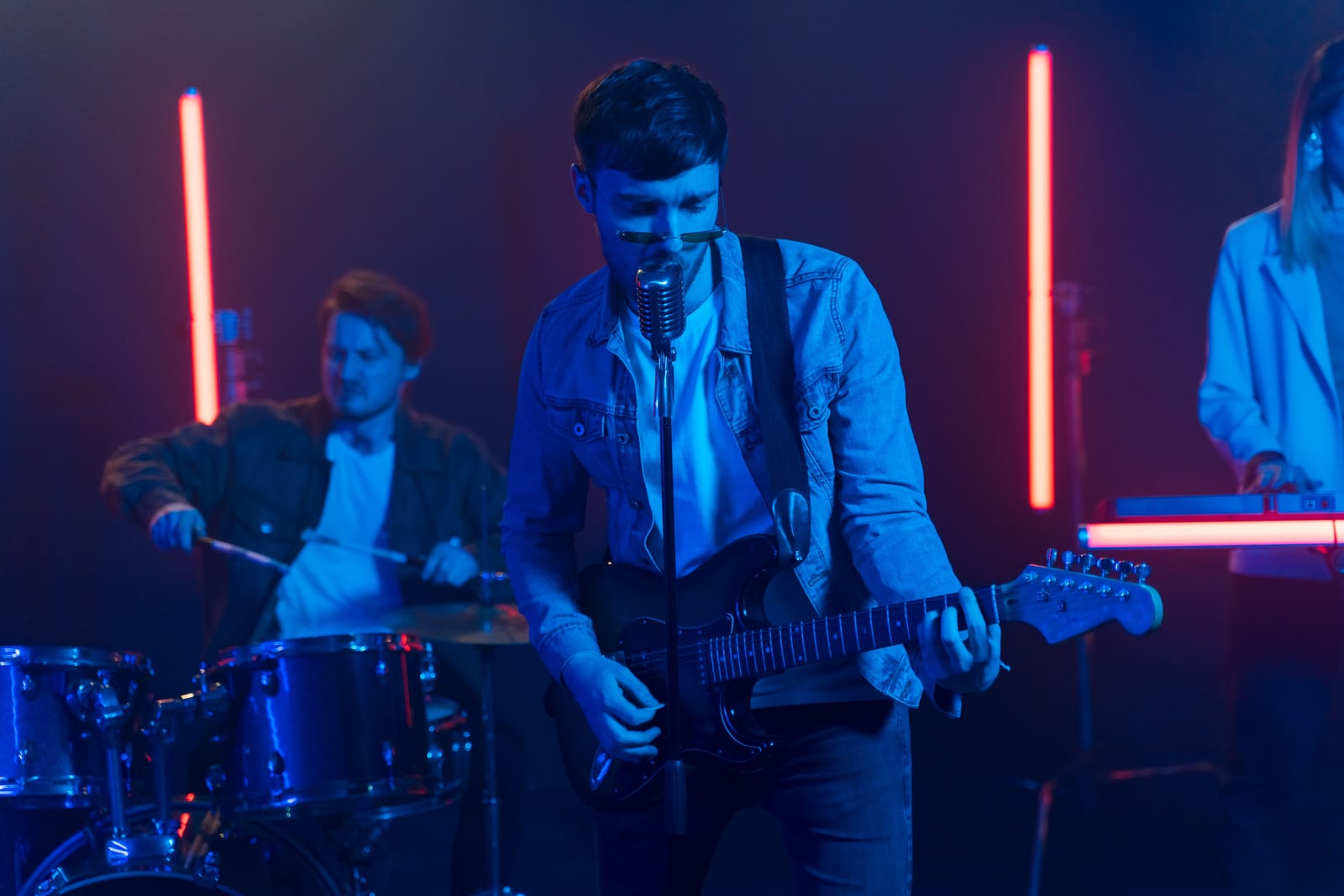
If you busk for real, you need more than a place to collect spare change. You need a way for someone passing by to tip, request a song, and find you again later without making them download anything first.
That is the job of a good busking app. Not a flashy dashboard. A simple page that opens fast, works on a phone, and gives a passer-by one clear next step before they keep walking.
A street set is not a calm room. People stop for a minute, sometimes less, and they decide quickly whether they are going to scan, listen, tip, or move on. A busking app has to respect that pace.
The first test is friction. If the audience has to create an account, download something, or type in too much detail, you lose them. No one standing outside a station or on a beach front wants admin.
The second test is clarity. A busker needs one page that makes sense from three feet away and still works when the sun is bright, the crowd is noisy, and the set is already moving.
At a minimum, a useful busking app should let you do four things:
That is the difference between a digital poster and a proper working tool. A busker does not need more noise. You need fewer steps.
The audience at a busk does not owe you time. They are already mid-journey, mid-lunch, or mid-something else. If your page asks them to sign up before they can do anything, you have asked too much.
A no-sign-up flow works because it matches the moment. Someone scans the code, the page opens, and they can act straight away. That might mean a tip, a song request, or a quick look at your next date.
This matters even more for casual passers-by, because they are often the people who are most likely to do a small action and then come back later. The first action should be easy. The second action can be deeper.
A good page also avoids the awkwardness of having to explain yourself between songs. You do not need a speech about accounts or logins. You can just point to the tag and keep playing.
If you want a practical guide to placement as well, see where to put a QR code as a musician. The same idea applies to busking, with one difference, you want the scan point visible from a short distance and easy to reach.
The best busking app does not treat every interaction as a separate campaign. It gives the audience one page and lets them choose what matters to them.
That is where a tool like GigTag fits the job. Fans scan with the phone camera, with no app and no account, and the page opens in the browser. From there they can tip by card where tips are switched on, request a song, see your links, and check your next gig.
For a busker, that combination is useful because it covers three different moods in one stop. Some people just want to say thanks. Some want to ask for a song. Some want to know where you play next or follow your socials.
Keep the page simple. The point is not to impress them with options. The point is to give them one obvious action before the moment passes.
A solid layout usually needs:
If you busk in a place where people often ask for the same songs, a request option helps more than a generic tip page. It makes the scan feel useful, not just polite.
You do not need a giant poster with five calls to action. In busking, subtle works better. The QR code belongs where a passer-by can notice it while they are already listening.
A small tag on the mic stand, music stand, case, or table card works because it sits in the frame of the performance. People can see it without being chased.
The wording around it should be plain. Try something like:
Do not over-explain. You are not writing a brochure. You are giving someone a very small task.
If you busk in a spot with regulars, keep the code stable. People often mean to scan and do not do it straight away. A code that still works after you rename your act saves you from reprinting every time you tidy up your branding. GigTag keeps the printed code working after a rename, which is exactly the sort of thing a working performer needs and a casual tool usually forgets.
A tip is useful. A follow-up is better. Many street performers think only about the payment in front of them, but the real value is what happens after that first scan.
A good busking app helps a passer-by remember you later. That means your page should not stop at the tip button. It should point them to your links and your next gig.
Keep those links current. If your audience can find your Instagram, TikTok, Spotify, Apple Music, YouTube, SoundCloud, or website in one place, they are more likely to come back to a full set another day. They do not need a marketing funnel. They need a way to recognise you again.
For street performers, this is especially important because you play in front of people who did not plan to see you. They might not know your name. They might only remember the song, the spot, or the look of the set. A clean profile page gives them something to search later.
This is also where your next gig matters. If someone likes what they heard, make it obvious where you are playing next. That is how a random stop becomes a repeat listener.
For more on the next step after a live set, see how to get fans to your next gig. It is a different problem from tipping, but on the street the two often happen in the same minute.
Requests can be useful, but only if you stay in charge. A busker does not need chaos. You need suggestions you can accept, ignore, or park for later.
The right setup keeps it simple. Let people request from a list or type something in, then decide whether to play it. That is the practical version. It gives the audience a role without turning the set into a free-for-all.
For a street performer, this matters because the room changes every few minutes. One person may love a slow tune. The next person may want something upbeat. You need the freedom to choose what suits the moment.
A good way to handle requests on the mic is to keep the line short:
That last part is important. Requests are suggestions, not instructions. The performer decides.
If your set leans on covers, it helps to plan a repertoire that can take a few interruptions without falling apart. See building a covers set list that takes requests for a fuller approach.
Not every app that claims to help performers is built for street work. Before you commit to one, check the basics.
Look at the page from a passer-by’s point of view. Ask yourself whether it loads fast enough, whether the first screen is obvious, and whether the actions are clear without explanation.
Then check the performer side. You need to be able to update your page without spending your break inside settings. You also need a way to see what is happening with requests, links, and tips without digging through clutter.
A useful checklist is:
If you busk regularly, you also want trackable codes for different placements. A code on the case may perform differently from one on the mic stand. Knowing which placement gets seen is more useful than guessing.
For UK readers who busk in public spaces, it is also worth checking the local rules around performance, licences, and self-employment. The GOV.UK site is the safest place to start if you need the official version.
A lot of good street sets die at the pavement. Someone enjoys the music, but there is no clear next step, so they go home and forget the name. A proper busking app should help you turn that moment into a booking enquiry or a future gig visit.
That means your page should not only be about today’s tip. It should also show who you are, where you play next, and how to contact you for a private event or a venue enquiry.
For a solo performer, this is often the cleanest route from street work to paid bookings. A person hears you outside a café, scans the code, and later sends an enquiry for a birthday, a restaurant night, or a corporate event.
If you are working in the UAE, and especially Dubai, it is still sensible to check local rules around performance and licensing with the the UAE government portal. The practical part is simple: keep your page ready, keep your details current, and make sure a curious listener can find the next step in seconds.
GigTag is built around that exact flow. One code, one page, no app for fans, and a performer-facing setup that keeps the street set moving. It is free to start, and the same page can handle tips, requests, links, and booking enquiries without making the audience work for it.
Usually not. Fans are more likely to act if they can scan with their phone camera and open the page straight away. A separate app adds friction, and friction costs you the moment.
At minimum, it should show your name, a clear tip option, and a way to find you again. If you also want requests and links, keep them on the same page so people do not have to hunt around.
Yes, if you keep control of the set. Requests work best as suggestions, not commands. That way you can take the useful ones and skip the odd ones without slowing the performance.
Put the code where it can be seen in the natural line of sight, such as a mic stand or case tag, and say one short line between songs. Do not turn it into a speech. A quick prompt is usually enough.
One page is faster for the audience and easier for you to manage. A passer-by can tip, request, or follow without choosing between multiple links, and that means fewer people drop off before they act.
For a working street performer, the best busking app is the one that gets out of the way and lets the music do the work. If you want a page that handles tips, requests, links, and your next gig in one place, start with GigTag and build it around the way you already play.
Song requests
How to build a covers set list that has room for requests: song blocks, flex slots, a request-ready repertoire list and a plan for songs you do not know yet.
Read
Fans and follow-up
People who enjoyed tonight's set forget your name by Tuesday. How to put your next gig in their calendar before they go, and bring them back next time.
Read
Fans and follow-up
Where a musician's QR code should go at a gig, what it should open when scanned, how big to print it and how to make sure it scans in a dark, crowded room.
Read
For musicians
No app for your audience, nothing to download. Free to start.